Add Prize in SPARC Media Hub
Edited
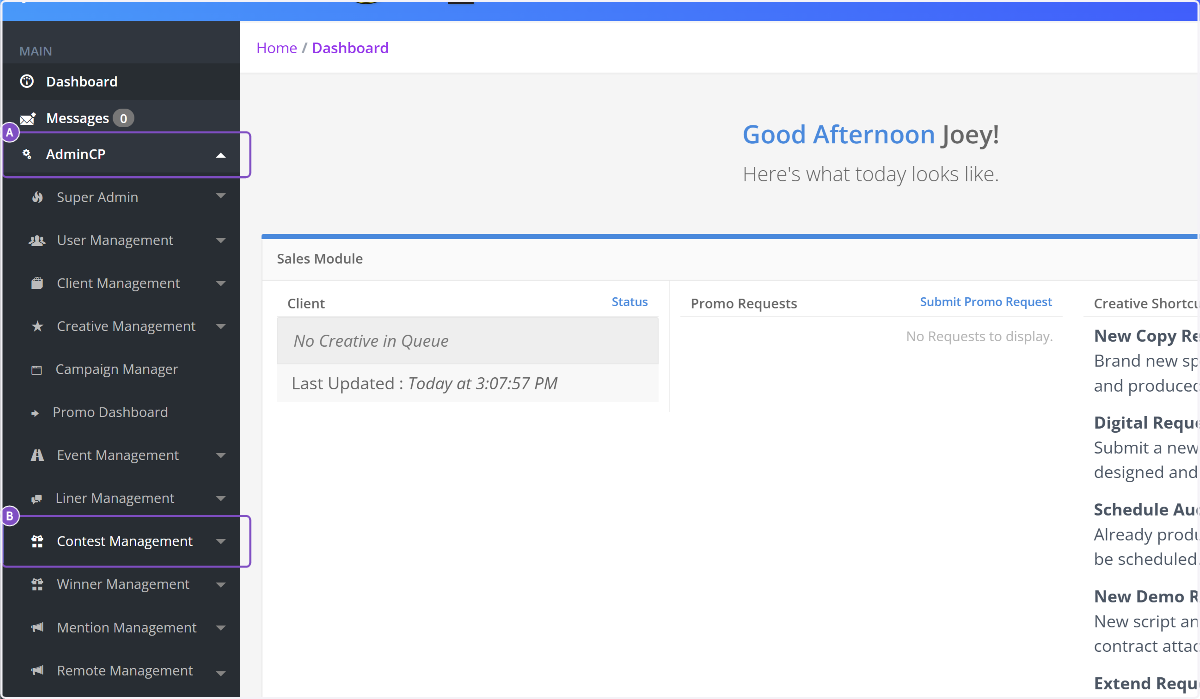
1. A. Click on AdminCP
B. Click on Contest Management
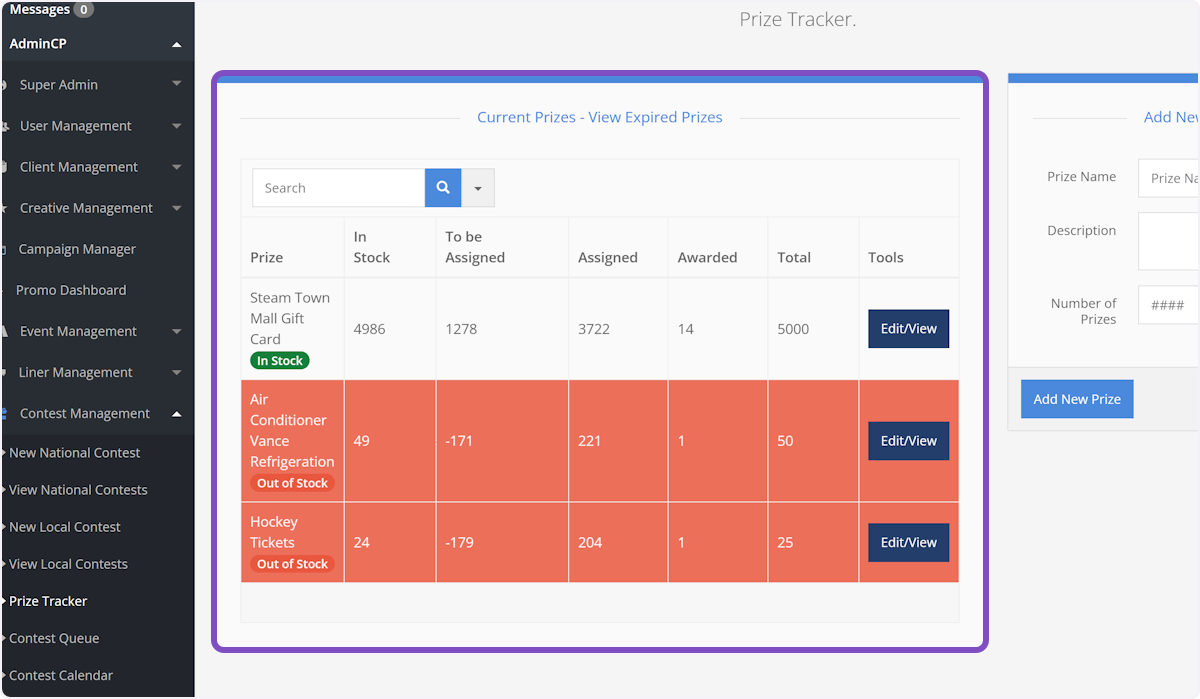
2. Click on Prize Tracker

3. On this screen you can see all prizes in your possession
Quick tip! Any prizes highlighted in red have been assigned to too many contest executions.
4. Immediately to the right of the prize list, you can add a new prize to the Prize Tracker
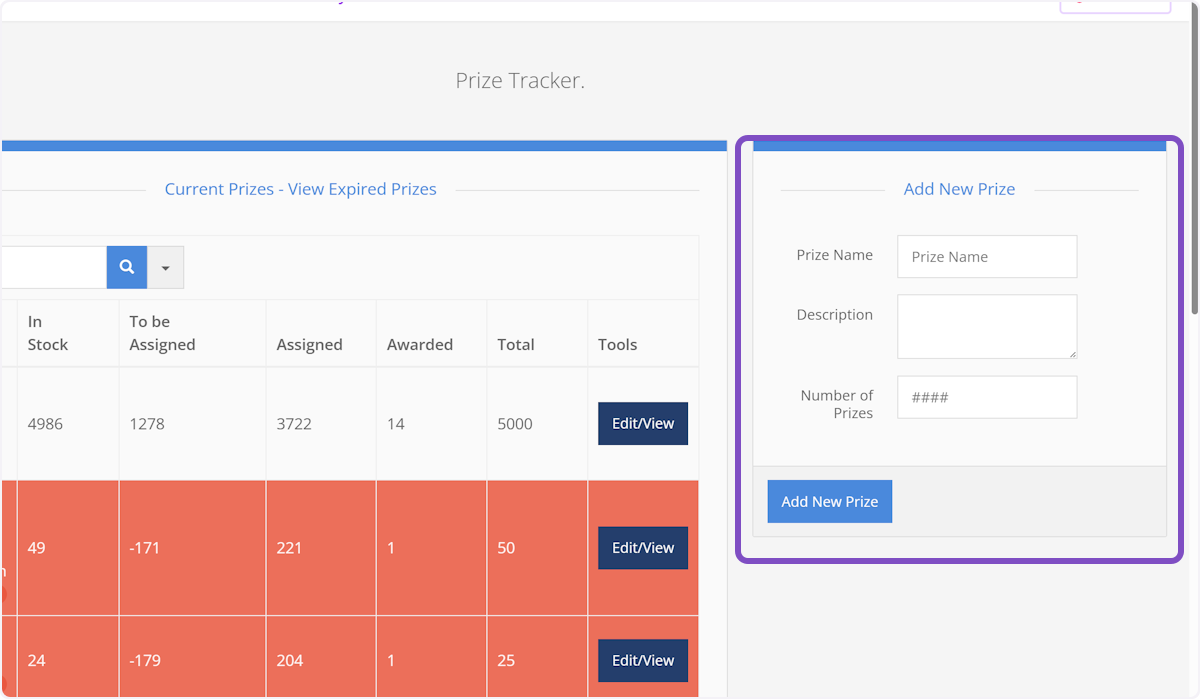
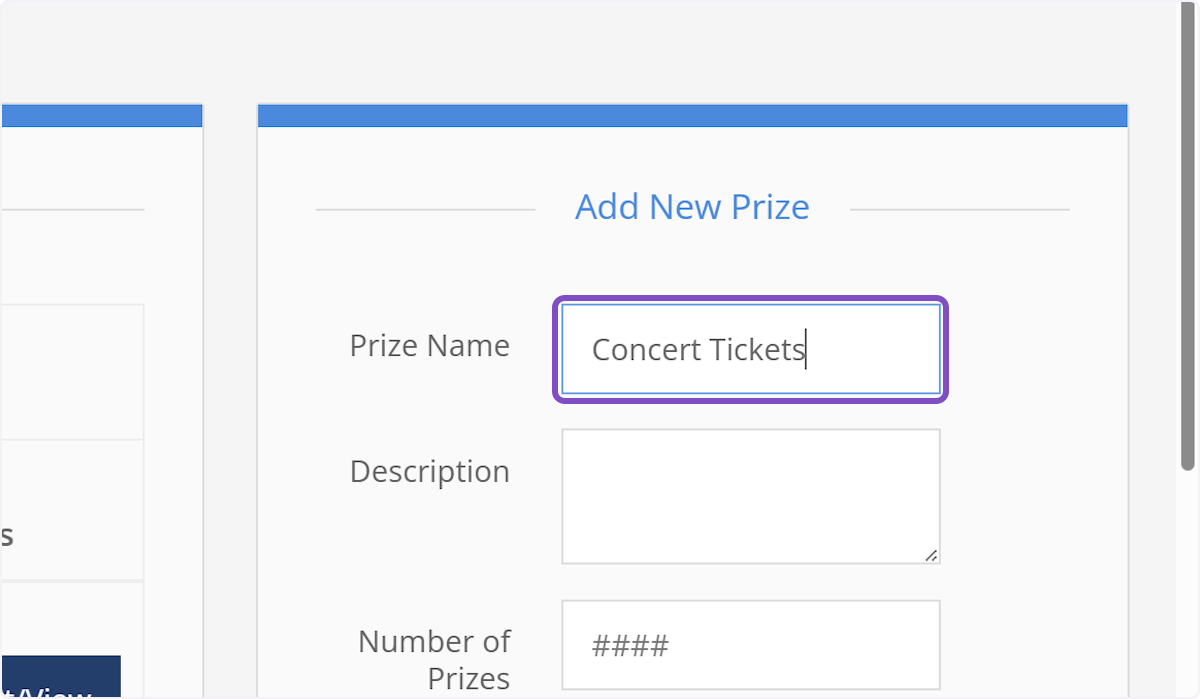
5. Give your prize a name
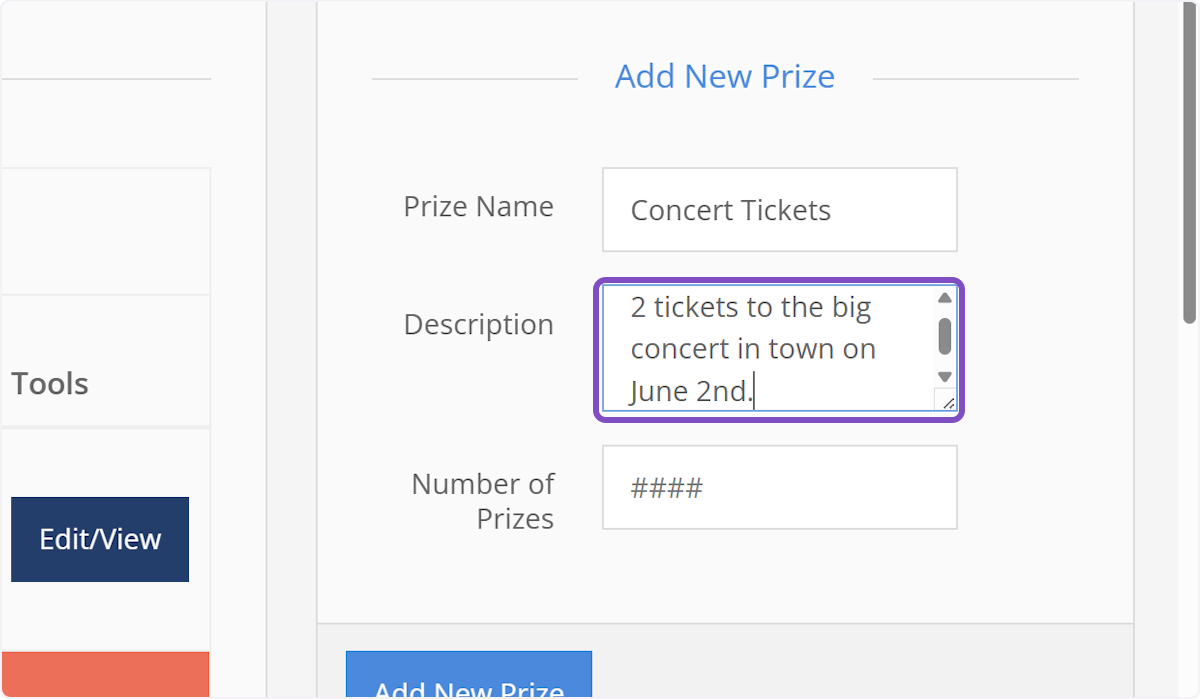
6. Provide a short description of the prize.
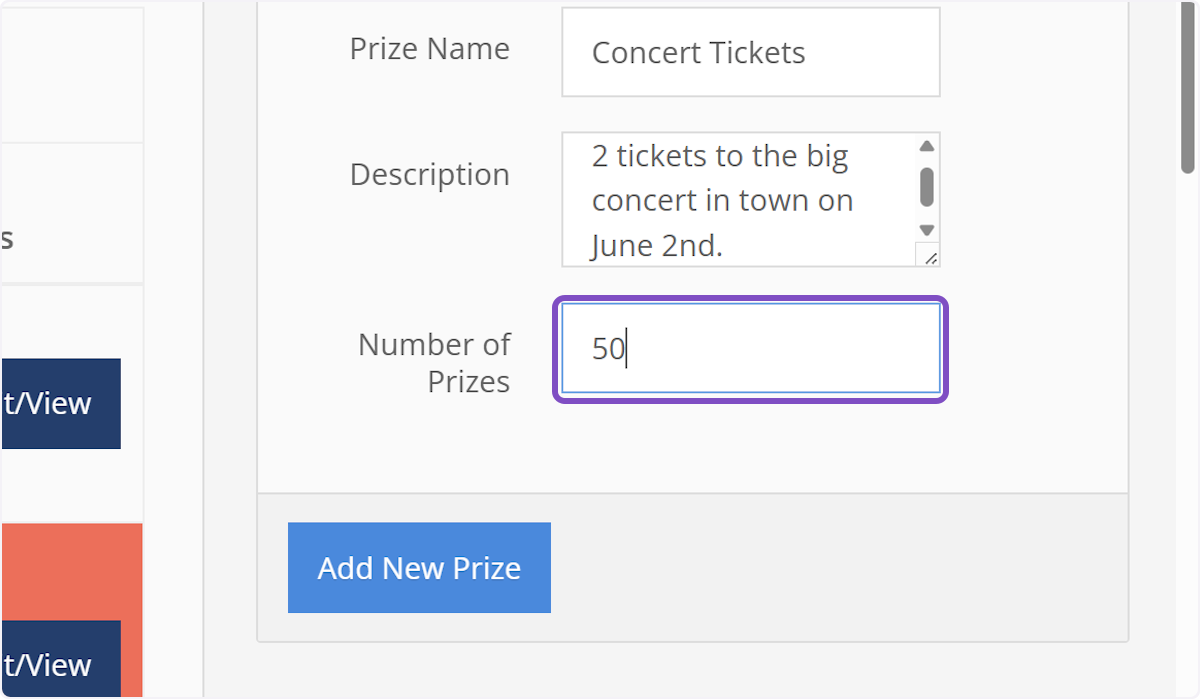
7. Enter the number of prizes
NOTE: If you are giving pairs (2) of tickets away, make sure you enter the number of pairs you have, not the total number of tickets.
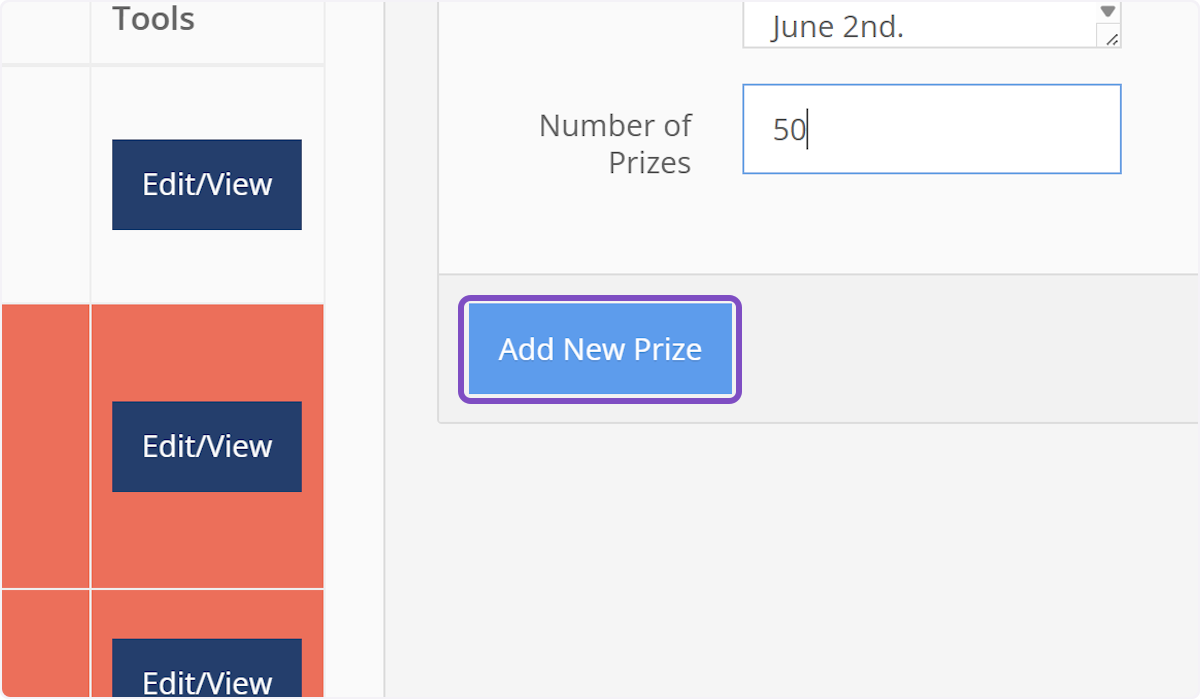
8. Click on Add New Prize and you're done!
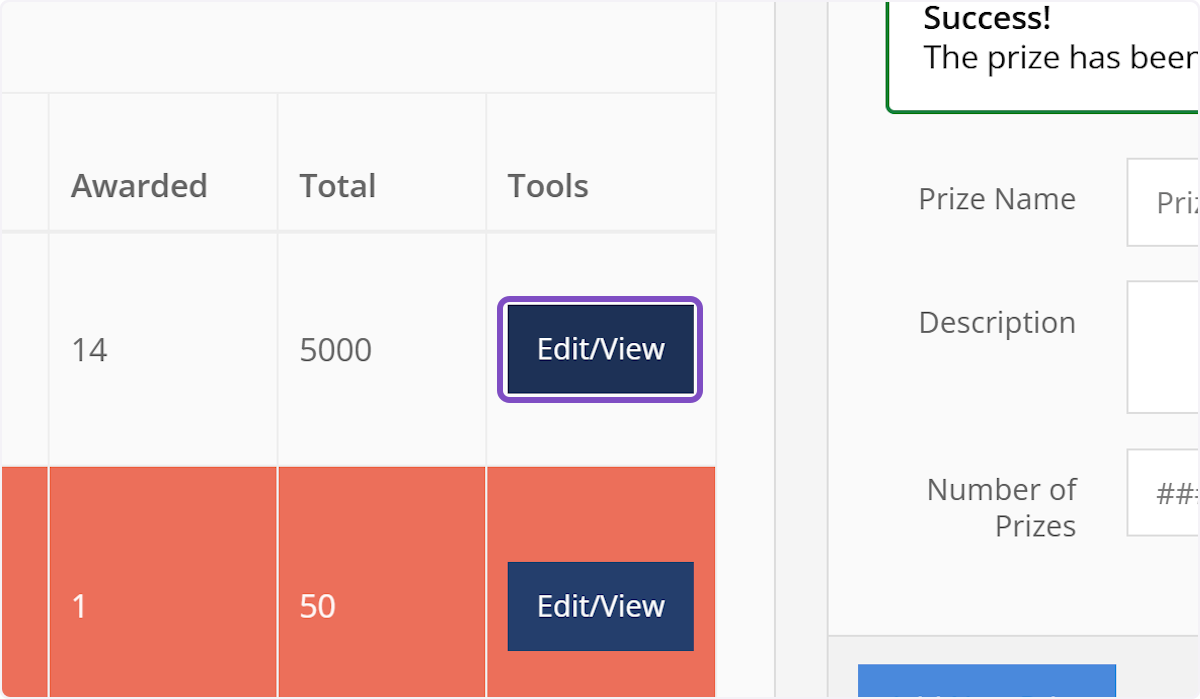
9. If you need to make any changes or want to view any contests attached to a prize, click on Edit/View